Ergonomic Office Chair
Best overall
Adjustable lumbar, seat depth, and armrests that match your body beat designer slogans.
Best for
All-day sitting
Price
$250–$900

Ranked picks for the 10 best home office desk setup essentials of 2026 for comfort, focus, and everyday productivity.
| Pick | Best for | Strength | Watch-out | Price band |
|---|---|---|---|---|
| Ergo chair | All-day sit | Support | One-size myth | $250–$900 |
| Monitor arm | Neck relief | Alignment | Desk clamp limits | $50–$300 |
| Sit-stand | Movement | Posture variety | Usage discipline | $300–$800 |
| Input devices | Wrists | Neutral fit | Learning curve | $40–$200 |
| Lighting | Eye comfort | Control | Glare mistakes | $30–$120 |
| Noise tools | Focus | Blocking | Isolation extremes | $50–$300 |
Desk setups fail when they look aesthetic on camera and wreck your back by Friday.
An ergonomic chair is the highest-leverage single upgrade for most people who sit to earn.
The highest ROI desk upgrade for most people is a chair that fits | TipTop-10’s overall winner, not another LED strip. Next: monitor height at eye line, input devices that keep wrists neutral, lighting you control, and optional sit-stand if you will change positions. Noise tools matter in busy homes. Cable management reduces daily irritation. Cameras/mics matter for hybrid credibility.
Aesthetics are allowed after pain points die. A beautiful desk that numbs your hands is a trap.
Measure: seat to floor, elbow height, eye to screen top. Bodies differ, adjustability beats prestige labels.
If your shoulders are ears by 3 p.m., the setup is failing, not your work ethic.
Try chairs with return policies; fit is personal.
Feet flat or footrest, dangling legs fatigue fast.
Laptop alone is a travel tool; dock to monitor for full days.
Take microbreaks: 2 minutes each half hour beats weekend revenge workouts alone.
We weight ergonomic adjustability, all-day comfort reports, build stability, noise, and value. We demote “ergonomic” stickers without adjustments. Camera aesthetics are secondary.
Shared budgets (employer stipends) should prioritize chair/monitor first.
Warranty and spare parts for chairs matter.
Desk thickness limits monitor arm clamps.
Look for lumbar support that hits your curve, seat depth so knees clear, armrests that tuck under desk height, and breathable material you tolerate. Mesh vs cushion is preference. Expensive does not guarantee fit.
Sit as you really sit, not parade posture, when testing.
Refurb corporate chairs can be bargains.
Top of screen near eye height, arm’s length away. Arms support mouse/keyboard at elbow height. Consider tented/ortho keyboards if wrists complain, gradual adaptation. Trackpads vs mice are workflow-dependent.
Dual monitors need intentional primary alignment.
Laptop riser + separate keyboard is a budget ergo stack.
Sit-stand helps if you alternate; standing all day has its own issues. Anti-fatigue mats help. Lights: reduce glare on screens, add bias light behind monitors, use warm dimming at night for wind-down.
Cable loops must allow desk travel.
Window glare shifts through the day, place carefully.
Headphones, door norms, and status LEDs manage household interruptions. Decent webcam/mic reduces meeting fatigue for everyone. Cable chaos visually screams “unfinished,” which can nudge restlessness.
Separate “work mode” lighting cues help boundaries.
End-of-day shutdown ritual beats leaving Slack open forever.
Skip to monitor height if neck pain is the villain and chair is already decent. Skip to input devices for wrist issues. Skip to noise tools if chaos is the blocker. Skip sit-stand if you will not change heights.
Keep chair-first if sitting pain dominates.
Sticker budgets should attack the biggest pain, not the prettiest unboxing.
Hot-deskers may invest in portable keyboards/mice more than chairs.
Employer reimbursements often categorize “office furniture”, check rules.
How long standing? Alternate; listen to feet/back. Do you need ultrawide? Preference. Are kneeling chairs better? Mixed, trial carefully. Blue light glasses? Optional; night themes and habits matter more for many.
Children/pets: cable management is safety.
Renters: tension rods and clamps beat destructive installs.
Fix chair fit. Raise screen. Neutralize wrists. Control light and noise. Manage cables. Then decorate. Re-check fit after seasonal clothing/shoe changes. Move daily.
We will update home-office essentials as hybrid work norms evolve in 2026.
Photograph your setup for stipend reimbursement documentation.
A weekly 10-minute desk reset prevents entropy.
If your chair forces a forward perch, seat depth or lumbar is wrong.
A $15 laptop stand can outrank a $15 mouse pad with RGB.
Calendar focus blocks need environmental support, not only status messages.


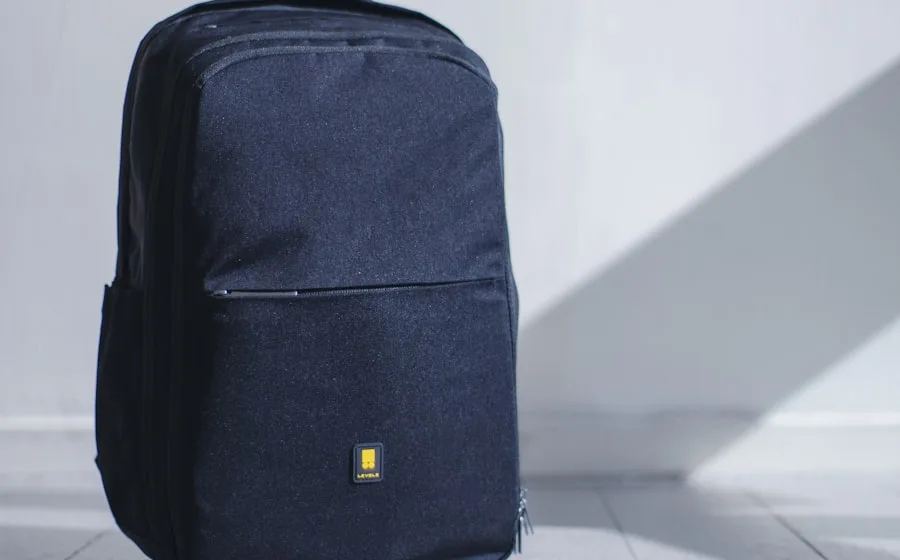
Fitness, sleep, and backpack guides complete a healthier work rhythm.