Premium iPad
Best overall
Strongest tablet app ecosystem and polished pencil workflows for most people.
Best for
Apps + stylus
Price
$600–$1,100

Ranked comparison of the 10 best tablets in 2026 across iPad, Android, and Windows platforms for every budget.
| Pick | Best for | Strength | Watch-out | Price band |
|---|---|---|---|---|
| Premium iPad | Apps/Pencil | Ecosystem | Cost stack | $600–$1.1k |
| Android flagship | Flexibility | Displays | App variance | $500–$900 |
| Windows detach | Desktop apps | Compatibility | Weight/heat | $700–$1.4k |
| Budget stream | Video | Price | Pen/perf | $120–$250 |
| Stylus mid | Notes | Value pen | Chip limits | $300–$550 |
| E-ink | Reading | Battery/eyes | Speed/color | $300–$600 |
Tablets win as media and stylus machines; they lose when forced to be awkward laptops without keyboards you will use.
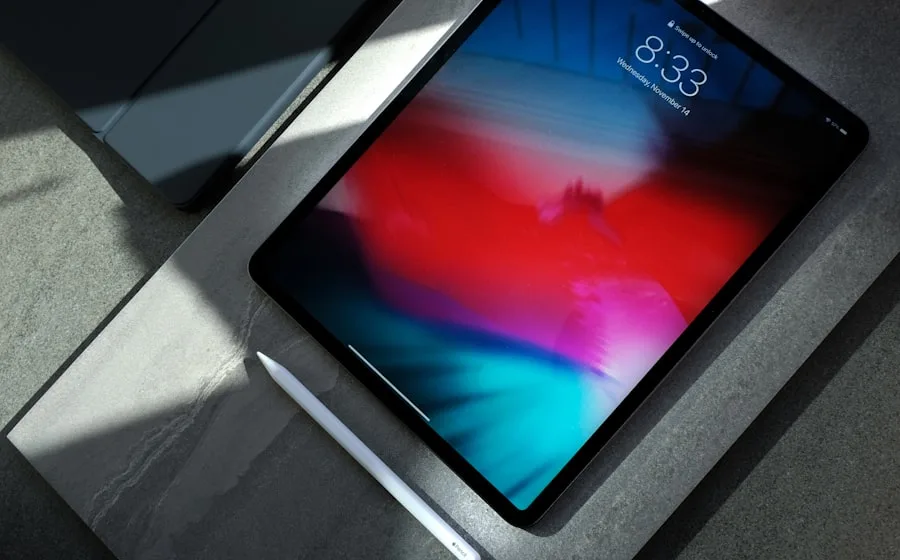
A Premium iPad remains the overall pick for app maturity, accessory ecosystem, and display quality in 2026.
Tablets are not small laptops by default. They are best at reading, streaming, sketching, annotating PDFs, and light creation with a stylus. TipTop-10’s overall pick remains a Premium iPad because tablet-specific apps and pencil polish still lead for most creative and student workflows. Android flagships are excellent if you want customization and service continuity with Android phones. Windows detachables are for people who truly need desktop applications, not for people who want a lighter iPad.
Budget streaming tablets are fine for couches and flights. Do not expect them to replace notebooks. E-ink tablets are a calm alternative for writers and heavy readers who hate glare.
Accessories are part of the bill: pens, keyboards, and cases can rival the tablet’s price. Budget the stack, not the slab alone.
Buy a tablet for touch-first jobs, rent a laptop shape only when software forces you.
If your plan requires a keyboard always attached, price a laptop before a transformable compromise.
Storage tiers matter because expansion is often absent. 128GB fills fast with offline shows and raw art files; 256GB is a happier default.
Display coatings and brightness dictate outdoor readability. Matte paperlike screen films help artists and hurt media pop, choose intentionally.
Children’s profiles and durable cases matter more than CPU names in family shared tablets.
We weight display quality, stylus experience, speaker/media joy, performance for the intended apps, accessory ecosystem, update outlook, and value. Laptop replacement claims are stress-tested harshly.
Platform lock-in is disclosed rather than ignored.
Multitasking features matter for research; they matter less for pure video consumption.
Cellular models help travelers; Wi-Fi usually suffices at home, do not overpay for radios you will never activate.
iPadOS leads tablet-native apps. Android tablets vary by vendor support. Windows offers compatibility with a PC tax on weight and UI mode-switching. Pick the OS that runs your must-have apps comfortably.
Cross-ecosystem photo and file habits reduce pain if you mix phone and tablet brands, but stylus ecosystems rarely mix cleanly.
Education discounts and enterprise management can tip institutional buys.
Sideloading policies matter to power users; casual users should ignore that war.
Low latency, reliable palm rejection, and comfortable nibs define note-taking joy. Artists care about tilt, pressure, and texture films. Students care about PDF markup and organized notebooks that sync.
Not every Bluetooth stylus is equal; prefer first-party or well-supported pens for your platform.
Replace nibs; scratched glass feels like latency even when sensors are fine.
Cloud notebook lock-in is real, export strategies matter for school years spanning devices.
OLED and great speakers create living-room joy. Budget LCDs are fine for kids’ profiles. Download workflows matter on planes, storage and DRM limits included.
Kids editions with controls reduce household conflict more than faster chips.
Blue light habits and night modes help evening readers more than unverifiable wellness claims.
Kickstand cases can replace awkward hands for recipes in kitchens, wipeable covers help.
If you live in complex spreadsheets, IDEs, or specialized Windows software, a laptop (or Windows detachable with eyes open) is kinder. If you mostly annotate, sketch, and stream, a tablet is lighter happiness.
Keyboard cases help email; they rarely create perfect trackpad laptops.
University software lists should be checked before “iPad only” semesters.
Desk setups with a tablet as a second screen can be delightful for artists and musicians.
Skip if Android services and file models fit you better. Skip if you need desktop apps, Windows or a laptop. Skip if you only stream, buy budget. Skip if you want calm reading, consider e-ink.
Keep Premium iPad if apps and pencil are the point.
Accessory stack cost is part of the tablet’s true price.
Last-gen premium tablets on sale often beat new midrange for creation.
Shared family tablets benefit from robust cases more than glossy flagships.
Do you need cellular? Rarely at home. Is 120Hz worth it? Yes for pen and scroll feel. Can tablets replace consoles? Sometimes for indie/cloud gaming, not always for AAA ambition.
How long do tablets last? Often 5+ years for media; creation pushes upgrades sooner.
Screen protectors: paperlike for art, clear for media, hard to have both perfection.
Official refurbished pens and tablets can be excellent value.
Write the jobs: notes, art, streaming, kids, field work. Pick platform. Budget pen/keyboard. Then choose size, larger for art, compact for travel reading.
We will update as tablet OSes and OLED availability shift in 2026.
Try stylus feel in-store when possible; preference is personal.
Enable find-my features on day one, tablets disappear into couches and flights.
A cheap stylus tether beats losing nibs into sofas.
Offline playlists/downloads before travel days reduce airplane rage.
Tablet stands with angles for drawing reduce shoulder pain.
Launch calendars will keep inventing new labels for tablet buying. Most of those labels rearrange old trade-offs. Your job as a buyer is to name the constraint that actually hurts, battery, fit, noise, ports, privacy, dock size, update length, and refuse products that ignore it.
TipTop-10 would rather publish a shorter honest shortlist for tablet buying than pad a top ten with near-identical clones. If two picks differ only by colorways, we say so and push you toward the cheaper or more repairable option.
Retail demos for tablet buying are optimized for bright lights and short attention. Ownership is optimized for Thursday evenings, travel days, and the boring middle of a product’s life. Rank those contexts higher than the demo loop.
Accessories, subscriptions, and consumables can rewrite the true price of tablet buying. Add them on paper before you congratulate yourself on a sale price. A “deal” that requires three proprietary refills is not a deal.
If you are choosing between two close options in tablet buying, prefer clearer returns, better spare-parts availability, and documentation you can understand without a forum scavenger hunt.
Software abandonment is an ownership risk across tablet buying. Prefer vendors with a boring history of updates over vendors with a thrilling history of rebrands.
Travel changes the calculus for tablet buying. Size, cable count, watt-hour labels, and one-handed use matter more in airports than they do on a review bench.
Sustainability for tablet buying is partly longevity: buying once and keeping a product for years beats recycling a stack of disappointed upgrades. Repairability and durable basics support that goal better than recycled packaging stickers alone.
Compare with our laptop guide if you are on the fence about a keyboard life.